Cave Story is a platform game for the PC that was released back in 2004, it was also recently ported to the Nintendo Wii and DS. It is an excellent game that has a very old school feel to it and it is a perfect fit for an arcade cabinet.
The controls
The controls mapped pretty well to my six-button layout. I used the Cave Story configuration tool to set the game’s keys to something more convenient, and then I used xmodmap to match up the keys to my arcade table’s player-three controls. I was able to fit all the important keys onto the six buttons—things like “jump,” “shoot,” and the keys to switch weapons.
Like I do with most native games, I mapped the “start” button to the escape key. I also ended up mapping two keys, the first two buttons on my player-one control panel to “F1” and “F2.” Cave Story uses these keys for confirmation when exiting.
The Game
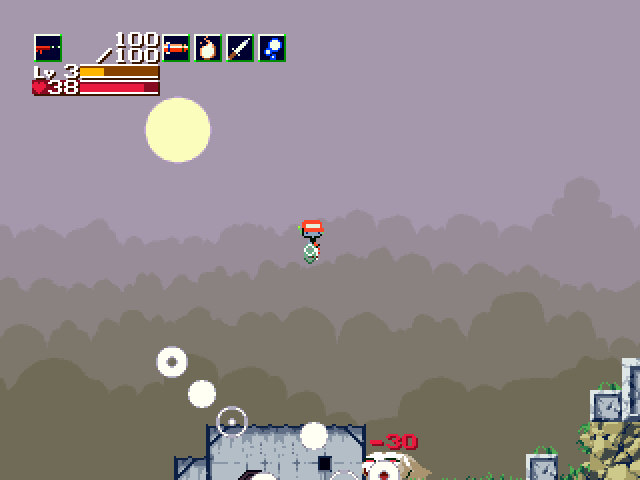
I had a lot of fun playing through Cave Story. It reminded me of the many hours I spent playing Metroid when I was younger. The controls feel crisp, the game play mechanics are fun, and the variety of weapons is pretty good.
Cave Story isn’t the kind of game you can just sit down with and play for five or ten minutes, like you can with something like the shooters from ABA Games. You have to explore and fight your way forward far enough to get to a save point with this one.
I played through the majority of the game in a few long sittings, and I am pretty sure I’m down to the final boss battle. I just happened to get distracted with real life for a week or so at that point and just haven’t gotten back to it yet.